
Meeting Planner
Everything you need to bring John to your event.
John Westhaver is a Safety and Resilience Expert with 20+ years and 850+ presentations across Canada and the USA. Below is the planner pack: bio, audience-specific one-pagers, headshots, branding, and the technical specs your AV team will need.
Queen Elizabeth II Diamond Jubilee Medal · Coast Mental Health Courage To Come Back Award · ICBC partner since 2002
What you get with John
Booking a speaker is your name on the room.
Three things every planner can count on. No surprises, no upcharges, no last-minute scope drift.
A keynote calibrated to your room.
A prep call beforehand aligns the talk with your audience, your outcomes, and the language your people actually use.
A speaker who has held every room.
From a high school gym to a national conference stage. Direct, warm, and impossible to mistake for a motivational hire.
A framework your people can use.
Learn Heal Grow is built to survive the drive home, not to evaporate at the end of the room.
The Plan
Booking John, in three steps.
No long procurement maze. Here is the whole path from interested to confirmed.
Get the pack.
Download the bio, the one-pager for your audience, and the technical specs. Everything your team needs to say yes is on this page.
Book a discovery call.
A short call to align the talk to your room, your outcomes, and the language your people use. Bring your questions.
Lock the date.
John handles his own prep, travel, and logistics. You get a keynote built for your room and a speaker who shows up ready.
The Pack
Everything in one place.
Bio, program one-pagers, headshots, and branding. All current to canon v2.1.
Bio
Speaker Bio
Short, medium, and long versions in one PDF. Use whichever fits the placement.
Download PDFProgram 01
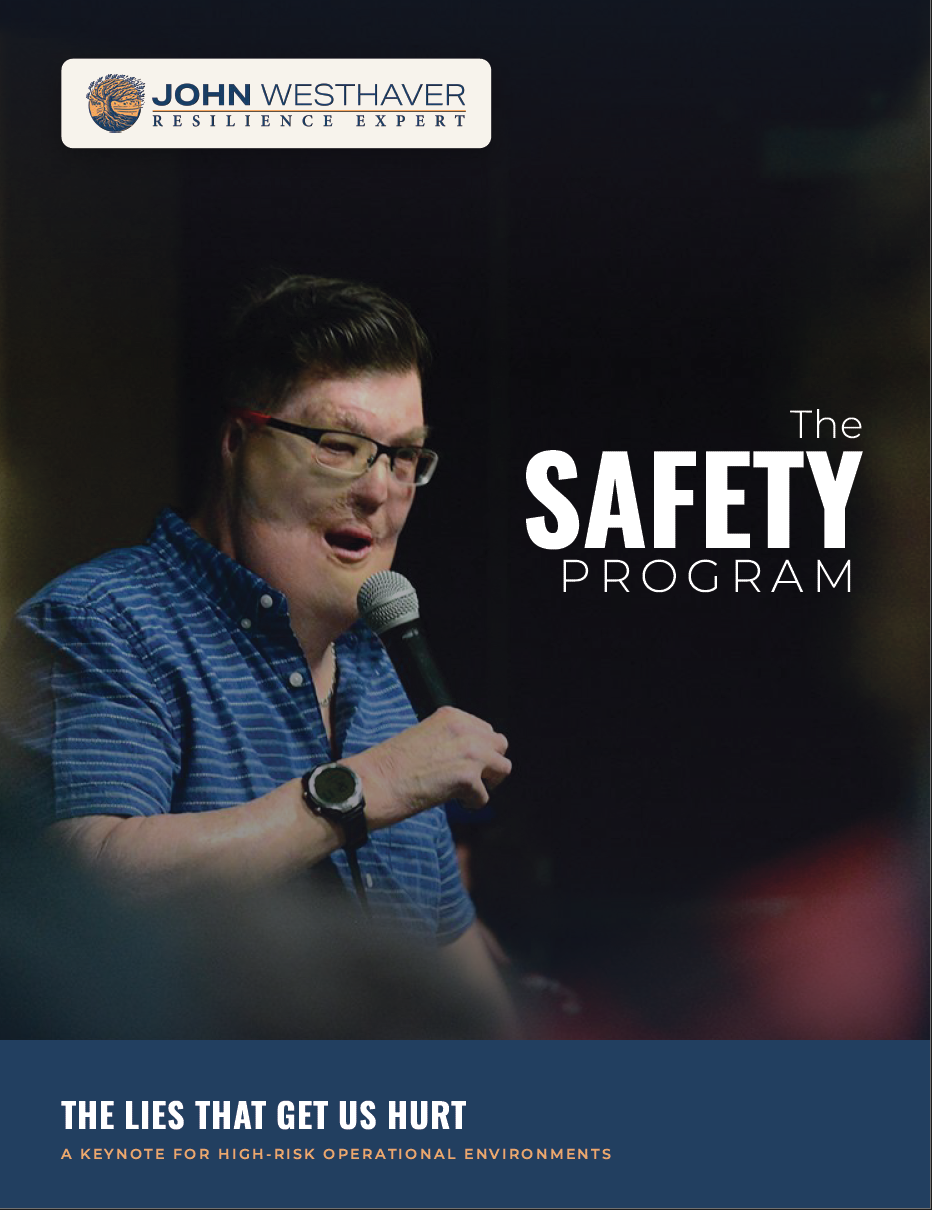
Safety One-Pager
The Lies That Get Us Hurt. Flagship keynote for high-risk operational environments.
Download PDFProgram 02
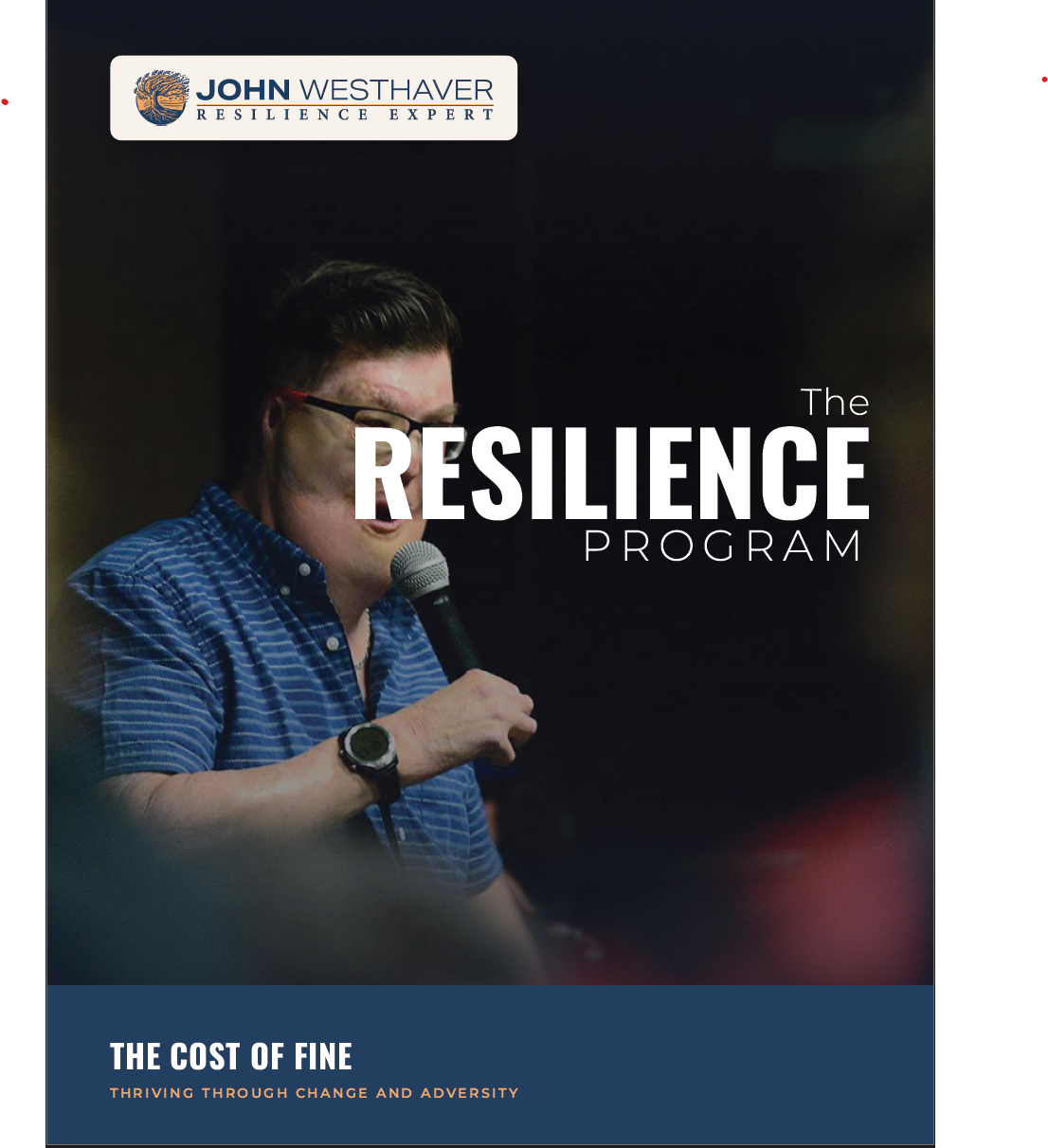
Resilience One-Pager
The Cost of Fine. Keynote for HR, healthcare, and corporate cultures.
Download PDFProgram 03
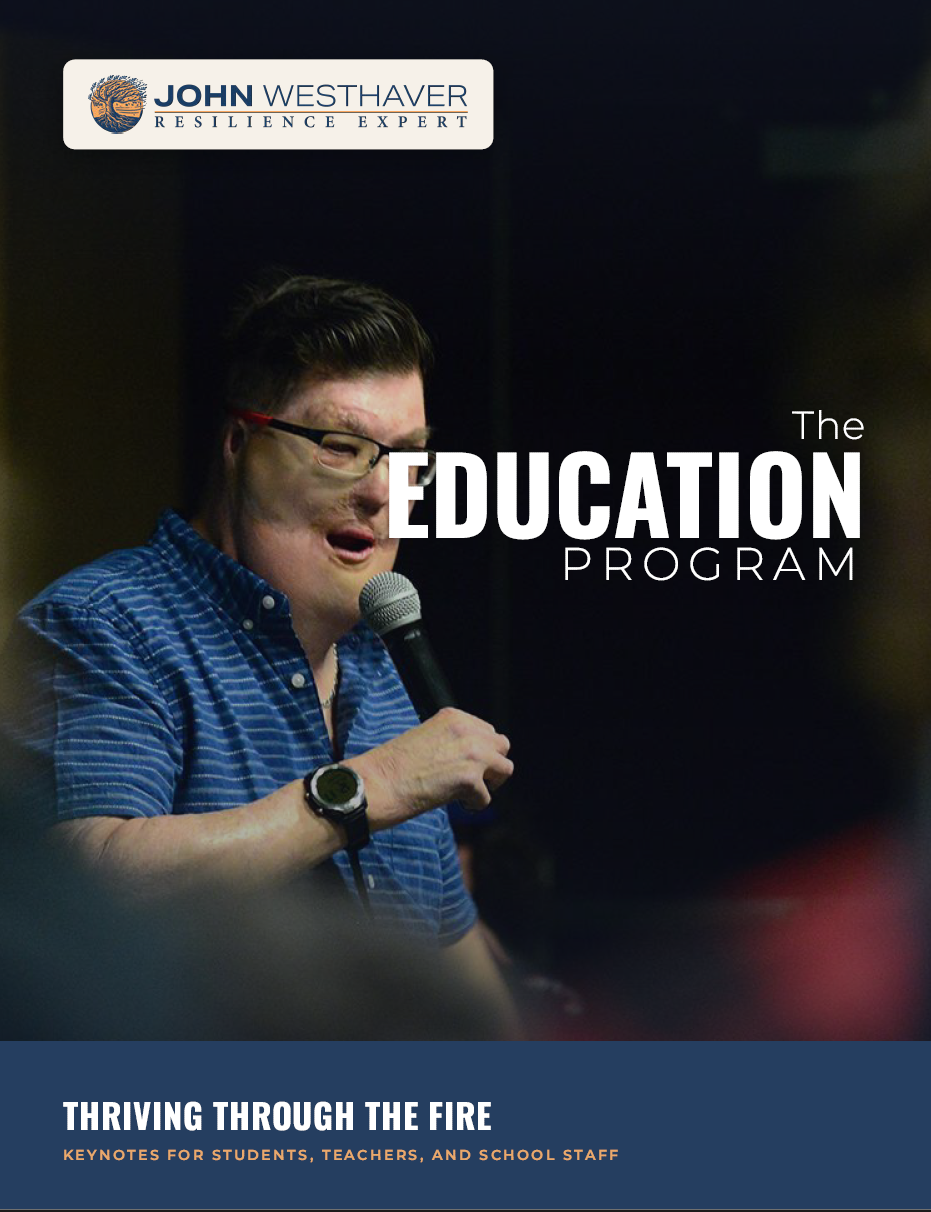
Education One-Pager
Thriving Through the Fire (Grades 7 to 12) and The Sky Isn't Falling (Grades 3 to 8).
Download PDFProgram 04
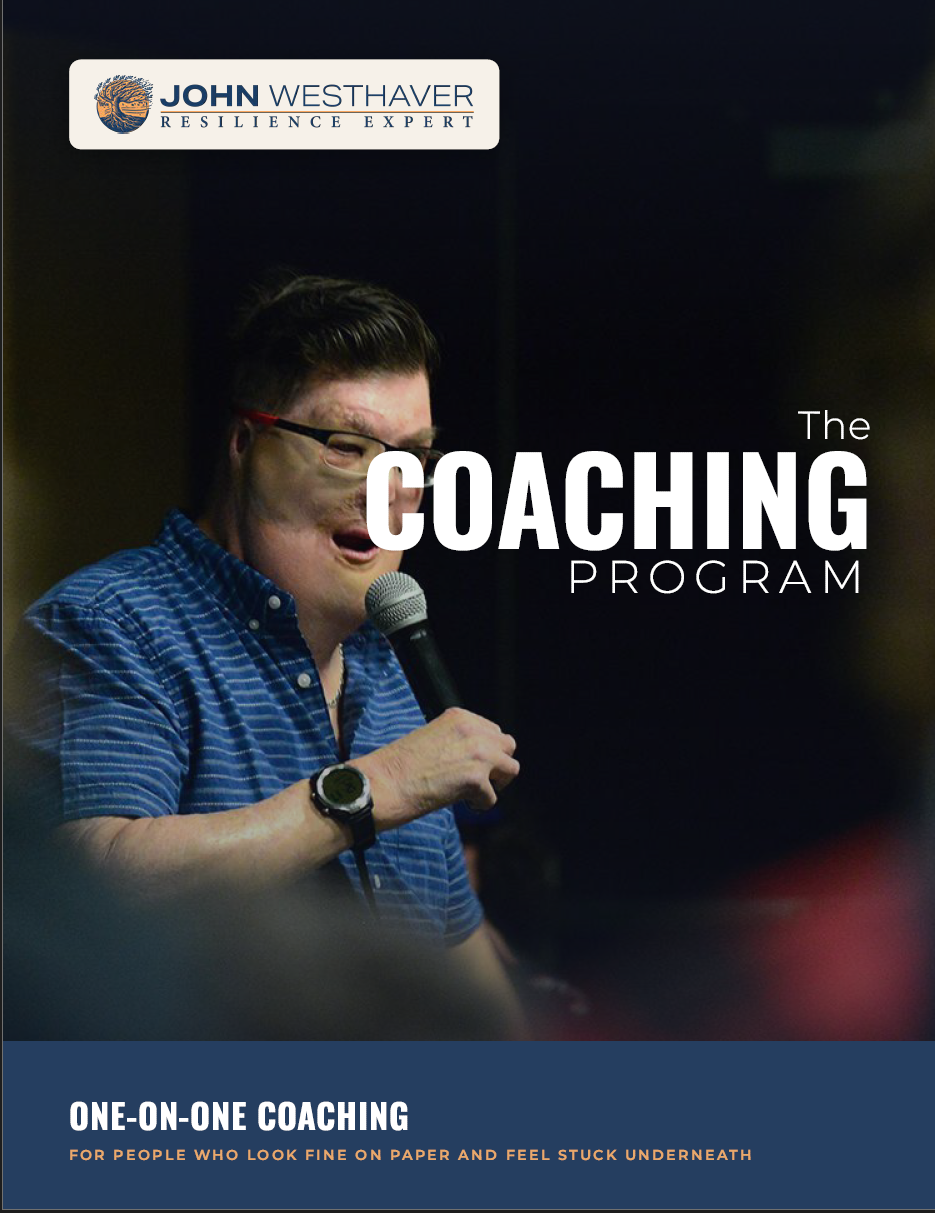
Coaching One-Pager
One-on-one coaching for high-functioning people who look fine on paper and feel stuck underneath.
Download PDFVisual Assets
Headshots and Branding
Eight professional headshots plus the brand pack: logo, taglines (Learn. Heal. Grow. / Built in the fire. Tested in the living.), colors.
Download PackFor Your AV Team
Technical specs and room setup.
Here is what John's team needs to ensure the keynote lands the way it should. If anything in this list is hard to do at your venue, tell us during the prep call. We will work with what you have.
AV requirements
- Wireless lavalier microphone. John moves around the stage. A handheld or fixed lectern mic does not work for this delivery.
- Projector and screen. Positioned off-center so John can stand stage-front without blocking visuals. HD resolution preferred.
- Audio connectivity for laptop. Standard 3.5mm or HDMI audio from laptop to house sound. John brings his own laptop, remote clicker, and backup cables.
- Water at the stage. Two bottles or a glass and pitcher within reach.
- Tech check window. 30 to 60 minutes on-site before the audience arrives.
Room setup
- Remove the lectern. John works from open stage front. A lectern blocks energy and movement.
- Clear sightlines. John needs to see the back row. Avoid table arrangements that bury the rear audience.
- Crowd management. If the room is larger than the audience, ask attendees to sit in the front half. Empty rows in front cost engagement.
- Private prep space. A small green room or quiet office for the hour before delivery. Centered focus matters.
- Stage entrance. Clear walking path from prep space to stage. John times his own entrance.
Virtual delivery available. If your audience is distributed or a venue isn't viable, the keynote runs equally well over Zoom, Teams, or Webex. Tech specs flex to whatever platform your team is comfortable on.
A framework built to survive the drive home, not to evaporate at the end of the room.
Ready to lock the date?
Once you have the bio, the program one-pager, and the tech specs in front of your team, the next step is a quick call. Bring your questions.

Click to download image.

Click to download image.

Click to download image.

Click to download image.

Click to download image.

Click to download image.

Click to download image.

Click to download image.

Click to download.

Click to download.
Click to download.
Click to download.
Click to download.
Click to download.

Click to download.